Hurstville Script Font for Web Design
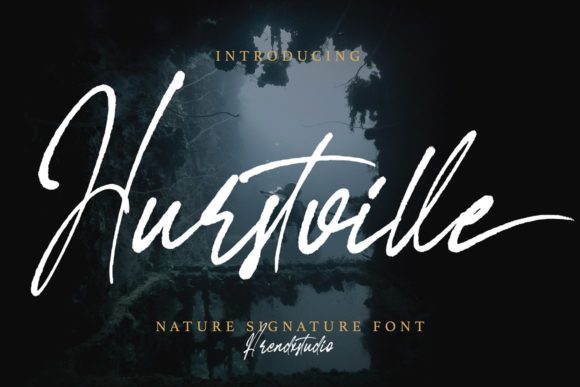
Hurstville is a premium script handwritten font that brings a natural, expressive feel to digital projects. As a web designer, I’ve found it especially useful for creating visual interest in headers, banners, and brand-focused content without sacrificing readability. Its distinct style makes it ideal for creative portfolios, boutique online stores, and any site looking to convey a personal or artistic tone.
Visual Characteristics and Digital Appeal
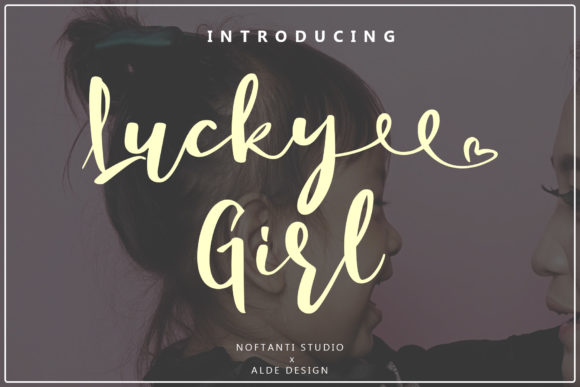
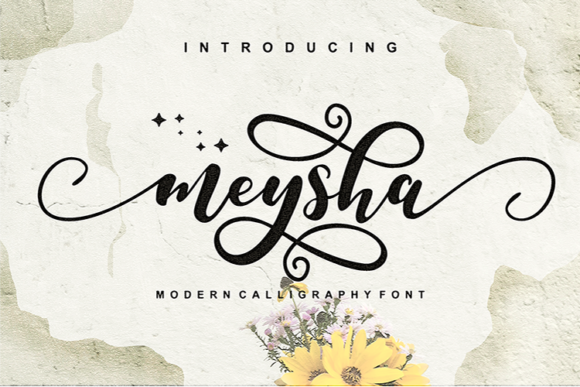
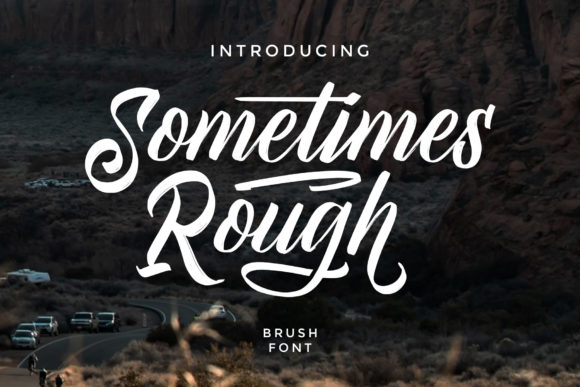
Hurstville features soft curves, organic strokes, and a slightly irregular rhythm that mimics real handwriting. This gives it a warm, approachable personality, perfect for brands aiming to feel more human and relatable. The font has a clean baseline and consistent spacing, which helps maintain legibility even at smaller sizes.
The character set includes a range of stylistic alternates, making it possible to add subtle variations in letterforms for visual diversity. This is particularly useful when designing hero sections or call-to-action areas where a touch of individuality can make a big impact.
Applications in Web Design
Hurstville shines in website headers, hero sections, and landing pages where a decorative yet readable typeface is needed. It works well for short phrases, such as headlines or taglines, but may not be the best choice for long blocks of text due to its handwritten nature.
For example, using Hurstville on a coaching website’s header can immediately communicate a sense of authenticity and expertise. Similarly, an online store selling handmade products can use this font in product banners or promotional graphics to reinforce the artisanal theme.
It also pairs beautifully with modern sans serif fonts for body copy, ensuring a balanced contrast between decorative and functional typography. This combination supports both visual hierarchy and readability, which is crucial for conversion-focused layouts.
Readability and Responsive Design
When implementing Hurstville in responsive designs, it’s important to consider how it performs on mobile screens. While the font maintains good legibility at smaller sizes, it’s best used for titles or section headings rather than body text. For buttons or small UI elements, ensure there’s enough padding and contrast to avoid visual clutter.
Testing the font on dark and light backgrounds is also recommended. Hurstville generally looks great on light backgrounds, but if used on dark tones, a high-contrast color or slight shadow effect can improve visibility. When applying it over image overlays, using a semi-transparent background or stroke can help the text stand out clearly.
Font Pairing and Brand Identity
Pairing Hurstville with a clean sans serif font like Helvetica or Roboto creates a strong visual contrast that enhances both aesthetics and functionality. This pairing is especially effective in editorial design, blog headers, and course landing pages where clarity and creativity need to coexist.
Incorporating Hurstville into a brand kit adds a unique touch that reinforces the brand’s personality. Whether you're designing social media graphics, email templates, or packaging mockups, this font can elevate the overall look and feel of your digital assets.
Licensing and Practical Use
Before using Hurstville on client projects, online stores, or digital templates, it’s essential to check the licensing terms. Ensure the font is permitted for commercial use across all intended platforms. Many premium fonts offer webfont formats, which are optimized for performance and easy integration into CSS files.
Additionally, verify that the font includes all necessary styles, weights, and multilingual support if your project requires global reach. Some fonts may have limited character sets or lack certain language options, which can affect usability in international markets.
For designers working on SaaS platforms or digital product launches, Hurstville can serve as a key element in building a cohesive brand identity. Its versatility allows it to be used in logo design, promotional banners, and even micro-interactions, contributing to a unified user experience.
Whether you’re designing a portfolio site, a boutique e-commerce store, or a creative blog, Hurstville offers a compelling blend of elegance and practicality. By thoughtfully integrating this script font into your layouts, you can create visually engaging experiences that resonate with your audience while maintaining a professional and trustworthy brand impression.